
Model guides
Seedream 5.5: Release, RGBA Checks and API Readiness
SJolt supports Seedream 5.5 for text-to-image and editing with up to ten references, aspect-ratio control and 1K or 2K PNG output. Use its dedicated routes and inspect downloaded results before accepting an edit or transparent asset.
SJolt supports Seedream 5.5 for text-to-image and editing with up to ten references, aspect-ratio control and 1K or 2K PNG output. Use its dedicated routes and inspect downloaded results before accepting an edit or transparent asset.
Separate announced capabilities, the selected service’s request contract and file-level acceptance. The editing and transparency checks below are evaluation procedures, not a promise that every output preserves every pixel or contains usable alpha.
What ByteDance announced
The November 9 Seed announcement highlights repeated editing, native RGBA output and more natural image rendering with improved text. Its demonstration describes 100 successive edits. These are vendor claims and demonstrations, not an independently verified guarantee that every image will survive that many revisions.
The model page shows editing and transparent-asset examples. Treat those as a description of intended use. For a production decision, inspect your own downloaded file, not just a checkerboard preview or a promotional example.
Availability is more specific than a launch headline
BytePlus’s current product page is titled Seedream 5.5 Official API and lists first-purchase packages with 30-day validity. Some price fields remained “Loading pricing” in the retrieved page. That is evidence of an official offering, but it does not establish the exact model identifier, usable parameters, account entitlement or final checkout price.
SJolt uses its own documented Seedream 5.5 endpoints and SJolt bearer authentication. Direct provider access has its own model identifiers and account requirements. Use the request contract for the service you are calling instead of substituting identifiers from another API.
- Confirm the exact model version selected in the account or API documentation.
- Check whether alpha output requires a parameter, a separate task or a particular file format.
- Record reference-image limits, resolution choices and whether an edit consumes the previous output.
- Verify unit pricing and any promotional expiration separately from the model announcement.
Test a cup label through three controlled revisions
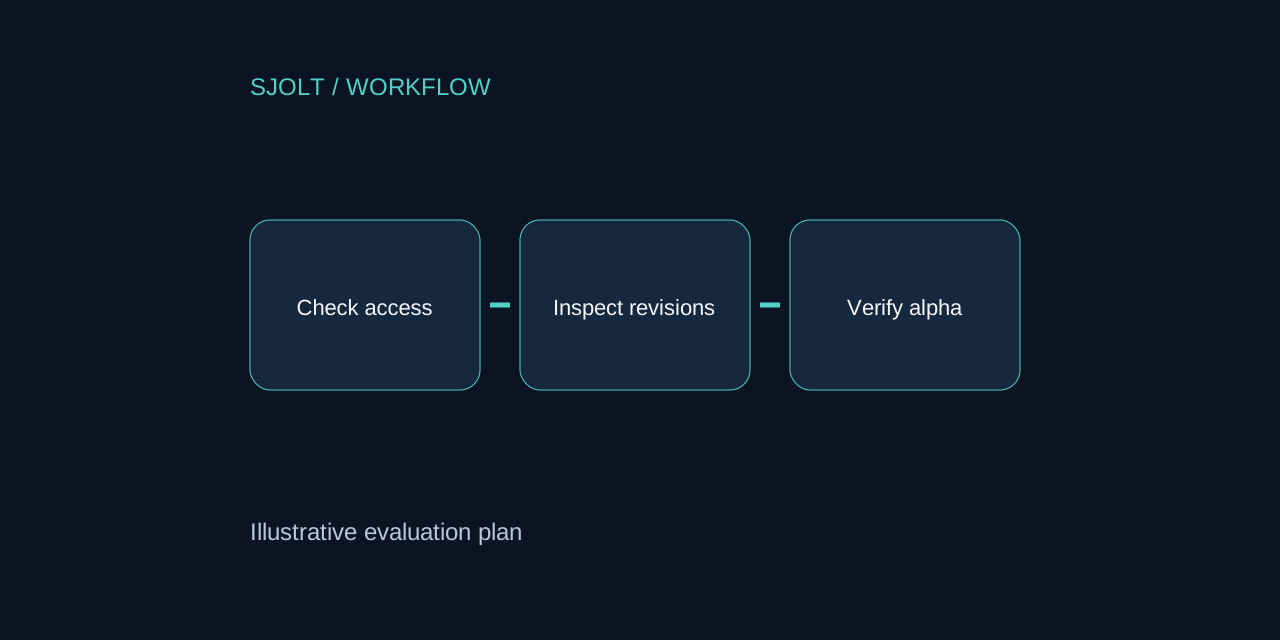
Start with an image you own: a ceramic cup with a distinctive handle and the word ORBIT printed on its face. Save that original as revision zero. Request only a background change, then add a coaster, then change the coaster’s color. Three revisions are enough to expose obvious drift without paying for a long chain before the basics work.
| Revision | Allowed change | Must remain stable |
|---|---|---|
| 1 | Background becomes ivory | Cup silhouette, handle and ORBIT lettering |
| 2 | Add a cork coaster | Cup scale and position; background tone |
| 3 | Coaster becomes dark green | Cup details; coaster outline and placement |
Compare each output to both its immediate parent and revision zero. The parent comparison catches a change introduced in the latest step; the original comparison catches accumulated drift. Inspect lettering at full size and check the handle’s opening, rim thickness and contact shadow. A pleasing overall picture can hide a changed product.
For a pixel-preservation claim, first align dimensions and account for any resampling or compression. Measure differences only in a defined region that the request was supposed to leave untouched. Record those preprocessing steps so a difference map does not confuse an export change with a generation defect.
Validate transparency as data
Request a separate cutout of an original decorative paper lantern. After downloading it, verify that the file contains an alpha channel and that its values are not uniformly opaque. A PNG extension alone proves neither. Composite it over white, black and a saturated blue background to reveal halos and missing interior gaps.
- Inspect thin supports, holes and translucent paper rather than only the outer silhouette.
- Look for a checkerboard pattern painted into RGB pixels; that is not usable transparency.
- Keep partial alpha where a material should transmit light. Turning every edge into a binary cutout may destroy the intended appearance.
- Test the asset in the actual destination editor and export format before accepting it.
Store the approved transparent asset separately from the flattened campaign image. If a later edit changes only the campaign background, reuse the approved layer instead of regenerating the subject. This reduces the number of opportunities for the product or lettering to drift.
Use Seedream 5.5 on SJolt
Use Seedream 5.5’s Text to Image workflow for a new composition, or Image Edit with one to ten reference images. Both accept a nonblank prompt, an aspect ratio and 1K or 2K resolution, and return one PNG image. Fixed ratios are converted into width and height for the selected image-area tier; auto lets the model determine framing. PNG output alone is not proof of usable transparency.
Send this body to POST https://sjolt.ai/sjolt-ai/v1/bytedance/seedream-5-5/image-edit with your SJolt bearer credential. Replace the example URL with an authorized, accessible source image. For prompt-only generation, use the text-to-image endpoint and omit image_urls.
{
  "input": {
    "prompt": "Change only the background to warm ivory. Keep the ceramic cup shape, handle, rim and printed word ORBIT unchanged.",
    "image_urls": [
      "https://example.com/approved-cup.png"
    ],
    "aspect_ratio": "1:1",
    "resolution": "2K"
  }
}
The create response returns data.task_id. Query GET /sjolt-ai/v1/tasks/{task_id} until data.status is 1 (succeeded) or 2 (failed), then read data.output_urls or data.error. Review a completed output before using it as the reference for the next edit. Keep the model version, source image, prompt and output settings with each revision so comparisons remain reproducible.
Sources & further reading
Take the next idea into production.
Explore the models, test a workflow in the playground, and use the same request in your application.