
Developer workflows
Reverse Engineer Anything: Use REA to Trace One App Feature
REA connects agents to software-analysis tools. Start with one export behavior, keep evidence and unknowns separate, and build from a verified specification.
Reverse Engineer Anything, or REA, is the open-source toolkit at morluto/rea, with its project site at rea.tools. It connects a coding agent or command-line workflow to software-analysis tools. The name is a project title, not a promise to recover every application’s original source or reproduce a remote service.
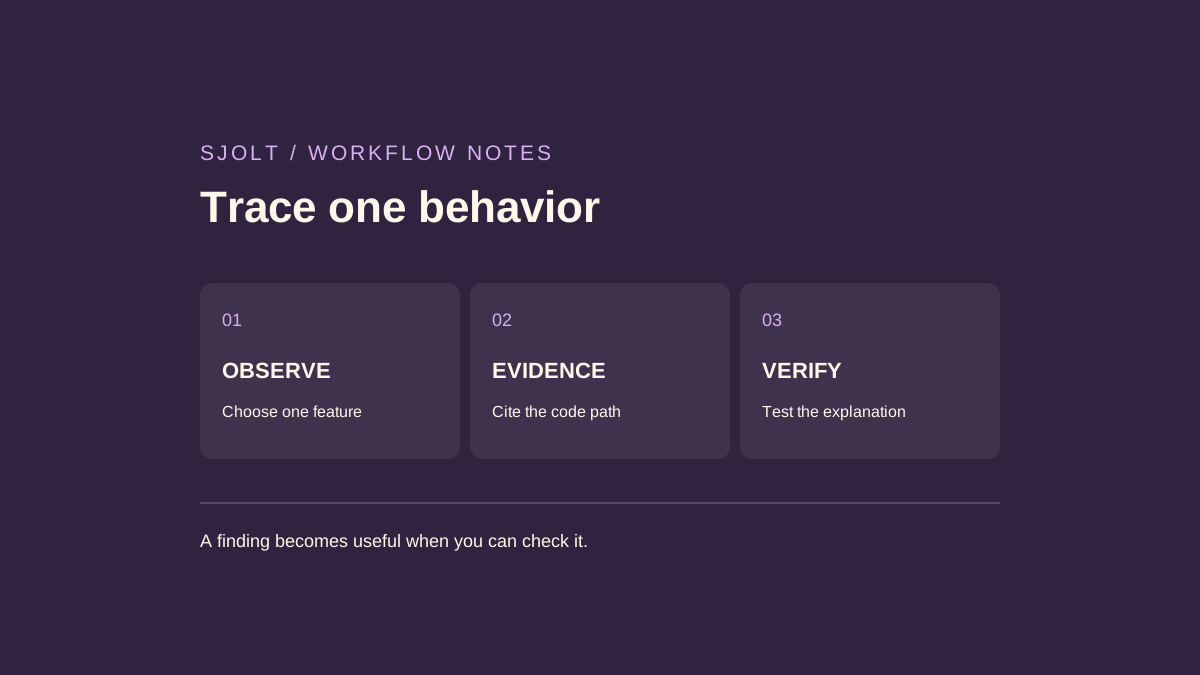
A useful first task is one behavior you can observe and verify. For a creative application, that might be how an export button names an image file. This guide proposes an evidence-based investigation and a separate SJolt asset workflow; no application was decompiled or rebuilt for this article.
Choose the analysis path from the artifact
| What you have | Useful starting path | What it does not establish |
|---|---|---|
| JavaScript directory or Electron ASAR | Static application analysis: modules, entrypoints, imports, and IPC relationships. | That every possible route executes as inferred. |
| Native executable | A supported provider such as Hopper, Ghidra, or IDA. | Exact original names, comments, or build environment. |
| Running website | The documented browser-analysis workflow. | The implementation of an unseen remote backend. |
Select a local sample application you own or an open-source example with clear reuse terms. Define the behavior before collecting a large amount of output. “Explain the filename produced when I export two images with the same title” is a more testable question than “rebuild this editor.” Keep unrelated assets and account data outside the sample.
Inspect an unknown installation before selecting a provider
REA’s current main-branch desktop guide, checked October 20, documents inspect_desktop_application for a directory whose runtime is unknown. It reads bounded directory entries, headers and metadata, then offers candidate runtimes and follow-up probes. It does not launch the application or recursively follow child symlinks. This guide was absent at the verified 6.7.0 release tag; do not assume that installing that release provides the newer operation.
The documentation treats a resources/app.asar path as an Electron candidate without establishing archive validity. Its directory snapshot digest covers retained observations, not every byte in every file. Partial coverage and omitted entries therefore remain part of the result; a digest is not a certificate that the entire installation was inspected.
For a media-export investigation, first list the candidate runtime, supporting paths and uninspected areas. Then choose the exact archive or executable that could contain the export behavior and use the corresponding analysis path. If the installed version lacks directory inspection, inventory the files separately rather than guessing a native provider from the application icon. Keep this initial inventory distinct from evidence that the export actually executed.
When the installation contains a PyInstaller executable
REA’s main-branch guide checked October 22 now documents static inventory and extraction of PyInstaller executables with appended CArchives. It reads archive bytes without launching the application. It can report members and Python metadata; source decompilation, encrypted PYZ recovery, zipapp and PEX analysis are outside this capability. Treat this as current source documentation, not a promise about the installed 6.7.0 package.
For an export investigation, retain the executable’s identity, inventory Evidence and the member associated with the proposed export path. A runtime-option or external-dependency declaration is metadata, not a recovered file. REA does not automatically open another executable named by a dependency.
An opaque PYZ leaves its module coverage unknown. An empty filtered result therefore cannot prove that an export module is absent. Record the limitation and choose another available observation, such as the application’s documented export behavior, before drawing a conclusion. A synthesized .pyc header also does not establish that recovered bytecode will execute or decompile correctly.
Use a known small fixture to check the installed tool’s behavior before applying this path to a larger package. Keep the inventory and any extracted files separate from the original application. No application was launched, extracted or decompiled while preparing this guide.
Check the runtime and configuration before analysis
Start from morluto/rea, rea.tools, or the rea-agents npm package linked by the project. The current README explicitly warns that a similarly named repository or copied README does not establish an official download. Follow the project’s own installation links and record the exact package you selected.
The current repository specifies Node.js 22.x from 22.19, 24.x from 24.11, or 26 and later, plus npm. Static JavaScript analysis does not require a native decompiler. On Linux, the current instructions also require a procps-compatible ps for ownership checks. Requirements differ for other target types, so use the section matching your task.
npx rea-agents@latest setupThis is the documented interactive setup command, not a command executed for this guide. Setup offers agent integrations and previews configuration changes; the installation guide distinguishes npm’s package-download prompt from approval of REA’s own setup plan. Inspect the proposed paths, select the intended agent, and restart it after setup completes.
Record the installed package version with the analysis. The repository’s main branch can describe work newer than the published package. If a documented command is missing, check the installed release before changing the target or adding another analysis engine. Preserve the setup record so a colleague can reproduce the same environment.
The installation guide now explains a specific setup refusal: the selected skill directory or its managed references directory cannot be a symbolic link. A shared symlink-based skill installation can therefore fail even when the package is healthy. Inspect the reported destination; choose a regular directory, or use the documented --skill=false option if you only want client registration. Do not remove an existing shared directory merely to silence the diagnostic.
REA’s doctor distinguishes unmanaged linked paths from an identity it cannot read. Those are configuration findings, not evidence that analysis of your target failed. Resolve the chosen destination first and rerun the setup plan. This guide has not installed REA or tested those recovery paths; the behavior is attributed to the project’s current installation documentation.
The installation guide checked on October 16 adds a concrete client-version boundary: Droid, DSH, Kimi, Qoder, Trae, WorkBuddy and ZCode require rea-agents 6.5.0 or later. Its earlier 6.4.0 package check does not cover those client IDs. If a teammate cannot find one in setup, compare the package versions before copying another client’s configuration. This is a documented compatibility boundary, not a new analysis capability or an installation tested here.
If native analysis setup fails on macOS
The installation documentation checked on October 17 adds a useful Ghidra-specific diagnostic: Homebrew OpenJDK may not be found by the system java wrapper. Set JAVA_HOME to the selected JDK’s actual home and keep its Java version within the bounds required by your Ghidra installation. REA does not automatically select another installed JDK. This is a native-analysis requirement; it does not make Java a prerequisite for the JavaScript export investigation below.
The same documentation now explains that setup and uninstall preserve a verified recovery copy when an existing backup differs from the current configuration. If an edit or rollback fails, inspect the reported pre-edit backup path before attempting a manual restoration. Keep both the original snapshot and recovery copy; do not assume the oldest backup contains your latest unrelated settings.
The October 21 installation guide adds a startup-budget distinction. REA reads REA_GHIDRA_STARTUP_TIMEOUT_MS when the process starts; changing another shell’s environment or reopening a binary in the same MCP server does not update that process. Before an MCP restart, export useful Evidence, close the binary and resolve cleanup failures. Then change the client’s server-launch environment and reconnect.
For a retry, distinguish provider startup allowance, the client’s tool-call deadline and JVM memory. A longer deadline does not enlarge the heap, and requesting fewer result rows does not skip prerequisite analysis. Record which limit caused the failure before changing one setting. Each retry imports afresh, so repeated short retries can spend time without preserving progress.
Analyzer-disable overrides also apply to every import in that server. A format-specific analyzer name can prevent a different target from opening if it is not registered there. Keep mixed-format work in an unmodified server or use a separate explicitly configured server for the affected format. These remain main-branch instructions; the latest verified release is still 6.7.0.
These are current main-branch instructions, not a packaged-release or runtime test. Record your installed version and the exact diagnostic before changing the environment. A missing native engine is a setup finding, not evidence that the target application cannot be analyzed.
Register the intended entrypoint for concurrent agent sessions
The installation guide checked on October 18 recommends a global installation followed by setup from that installed CLI when many agent sessions connect to REA. This avoids a separate npm launcher for each connection. Installing the global package alone does not rewrite an existing npx registration; setup must register the installed entrypoint and the selected clients must restart.
npm install --global rea-agents
rea setup
These are optional setup instructions, not commands executed for this article. Review the proposed client paths before approving changes. Each client still has a separate REA process and analysis state; direct registration does not create one shared analysis session. The documentation says direct registrations follow the installed CLI, which can be updated with rea update. Running setup through npx again selects the pinned package-runner command. Avoid registering a path inside npm’s temporary cache.
Close clients before editing their configuration. The revised guide describes checks for competing edits, but explicitly does not promise a lock against every concurrent writer. It also notes that first-time configuration creation needs hard-link support. If setup reports failed verification or manual recovery, retain the configuration and named recovery backup, inspect the diagnostic, and resolve that state before retrying. Do not assume a failed run left no file behind.
The latest release checked on October 19 is rea-agents 6.7.0, published October 18. Its notes include the 6.6.0 changes, whose tag was created without an npm publication. Record the installed package and launcher together; a Git tag alone does not establish which package an npm-based client runs. No installation test was performed for this guide.
The 6.7.0 release also fixes repeated JSON/JSONC members: setup edits the last effective member, and setup or uninstall refuses a removal that would expose a shadowed registration. Before repairing an MCP connection, inspect the complete configuration file rather than only its first rea entry. Retain the original file and the reported recovery paths if setup refuses the change.
For a reviewable upgrade, close the client, copy its configuration, run the documented setup flow, and compare the effective server entry and unrelated entries before restarting. Do not delete a repeated member blindly: the earlier value may become active. This is a proposed acceptance procedure based on the release notes, not a configuration repair executed here.
Follow an export from the button to the writer
REA’s official JavaScript guide illustrates an Electron export crossing renderer, preload, and main-process boundaries. Its static result pairs a literal IPC invocation with a matching handler and supplies source locations. Computed channel names or ambiguous handlers can remain unresolved. The example’s own findings are not evidence about a different application.
For your asset tool, begin at the observed Export button. Ask which handler receives the action, which values it passes, and where the destination filename is assembled. Follow the data until it reaches the write operation. If the final step is a remote request, record that boundary instead of inventing a server-side implementation.
Inspect the sample application at /absolute/path/to/my-asset-tool.
Trace how Export names a PNG when two assets have the same title.
For each finding, cite the file and function that supports it.
Separate code-derived conclusions from observed runtime behavior.
List unresolved branches and propose the smallest verification case.
Do not modify the application during the investigation.
Save the target version and file digest with the cited locations. A line number without a version can point at a different function after an update. Keep the original output and your short explanation together, but do not mistake a large analysis report for proof that the specific export branch has been traced.
Turn the explanation into a small test matrix
Use a separate copy of the sample and a disposable export directory for runtime checks. Start with two distinct titles, then two identical titles. Inspect both filenames and file contents: a UI message reporting two exports could hide one overwritten file. Add a title with punctuation and a deliberately unavailable destination to expose assumptions about naming and failure handling.
| Case | Evidence to retain | Question to settle |
|---|---|---|
| Two identical titles | Directory listing and both file digests | Are names disambiguated, overwritten, or rejected? |
| Punctuation in a title | Input string and exact resulting filename | Which transformations are actually applied? |
| Write failure | Observed message and remaining files | Is a partial result exposed as success? |
When observation disagrees with the static explanation, revise the explanation. The running app may use another branch, configuration, or library version. Mark the conflict explicitly and reduce the case until one variable explains it. Do not resolve it by asking the agent to write a more confident summary.
Only then write a behavior specification for your own implementation. Describe inputs, outputs, collision handling, and errors in your own terms. Decide which behavior is desirable for your product rather than copying every accident of the sample. Keep source observations separate from design decisions so future changes remain understandable.
Apply the specification to an original media workflow
REA is not an SJolt model or a native SJolt analysis endpoint. If you are building your own asset manager, SJolt can supply a separate generation stage: Nano Banana 2.1 supports text-to-image and reference-guided image editing. The naming and export logic belongs in your application after the task completes.
For an offline prototype, use a small fixture manifest containing invented task IDs and local sample filenames. Test the collision rules against those fixtures before making any generation request. A task that is still running should remain pending; it should not become an empty image file or trigger an automatic duplicate paid submission.
When connecting the documented API later, retain the returned task ID, query its status, and consume successful data.output_urls. Save the chosen image under your own stable asset ID and keep the display title separately. Test missing downloads and repeated completion handling with fixtures as well. This produces an original, reviewable media tool without claiming REA supplies a generation backend or an automatic application clone.
Sources & further reading
Take the next idea into production.
Explore the models, test a workflow in the playground, and use the same request in your application.